Reviewing detected vulnerabilities
Last updated: October 19, 2026
The Vulnerabilities section brings together all the findings detected in your Threat Emulations. It helps you understand the exposure level of each asset and prioritize remediation.
Every vulnerability you see there has already been triaged by Strike's Hacking Team, so it represents a validated risk.
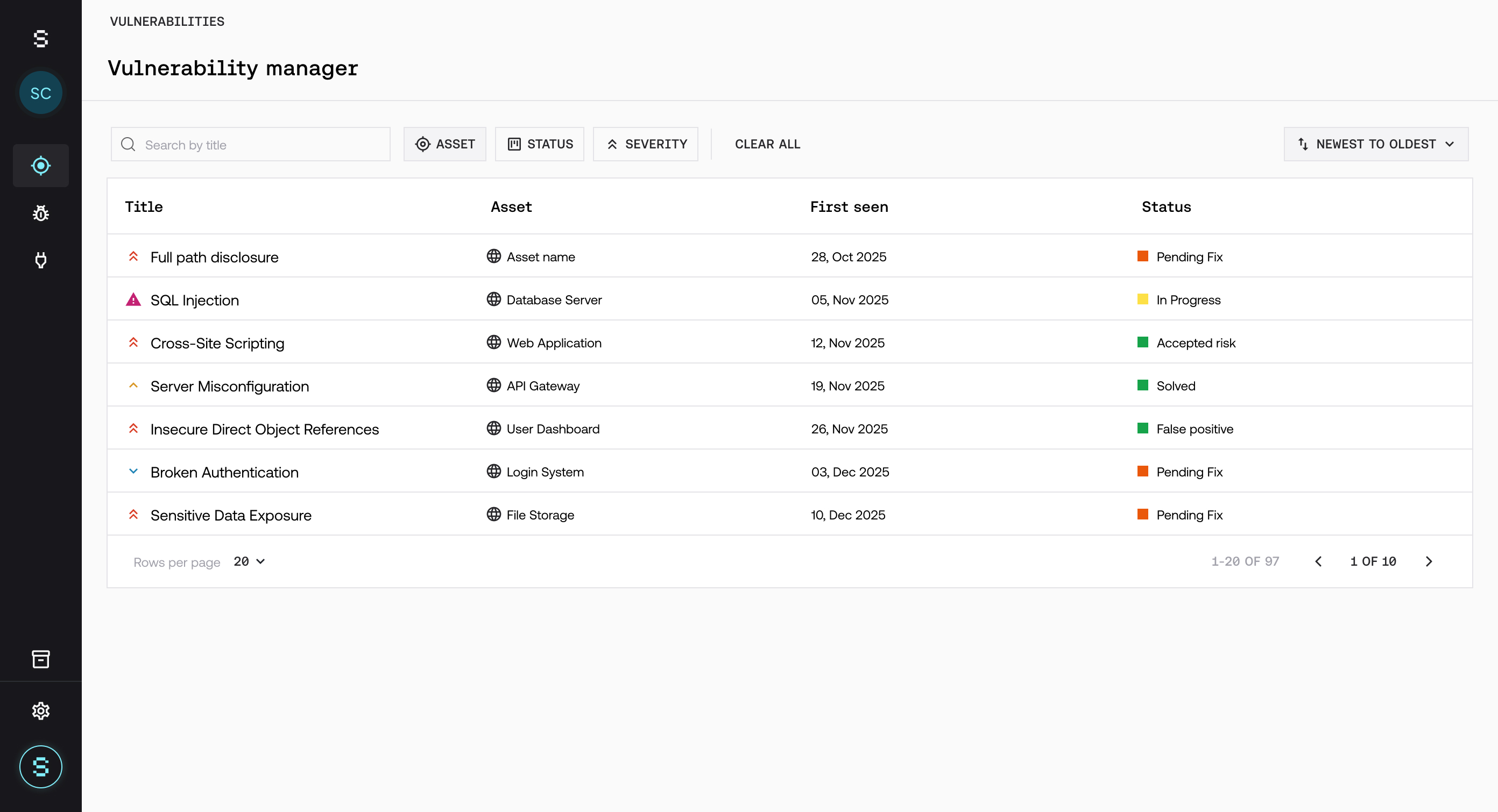
Vulnerabilities overview
From this section you can:
See all detected vulnerabilities.
Filter by severity, status, or asset.
Quickly identify the most critical risks.
Prioritize based on real impact.
Information for each vulnerability
Severity (Critical, High, Medium, Low).
Current status.
Affected asset.
Detection date.
Evidence and suggested remediation.
To see what each status means, see Managing the vulnerability lifecycle. To see how each finding was evaluated, see Tracking triage and AI validation.
How to prioritize
Not all vulnerabilities have the same impact. To prioritize:
Focus first on Critical and High vulnerabilities.
Assess the real exposure of the asset.
Consider the business context.
Priority does not depend only on severity, but on impact. In the Threat Emulation detail view, in the Remediation section, you can see the actions we recommend and their priority.
Best practices
Review vulnerabilities on an ongoing basis.
Prioritize based on real risk, not just quantity.
Focus first on critical assets.
Constant review helps you reduce exposure and act more efficiently against real risks.